Design Visually. Commit as Text.
Architecture at the Speed of Click
The Diagram Editor for Everyone
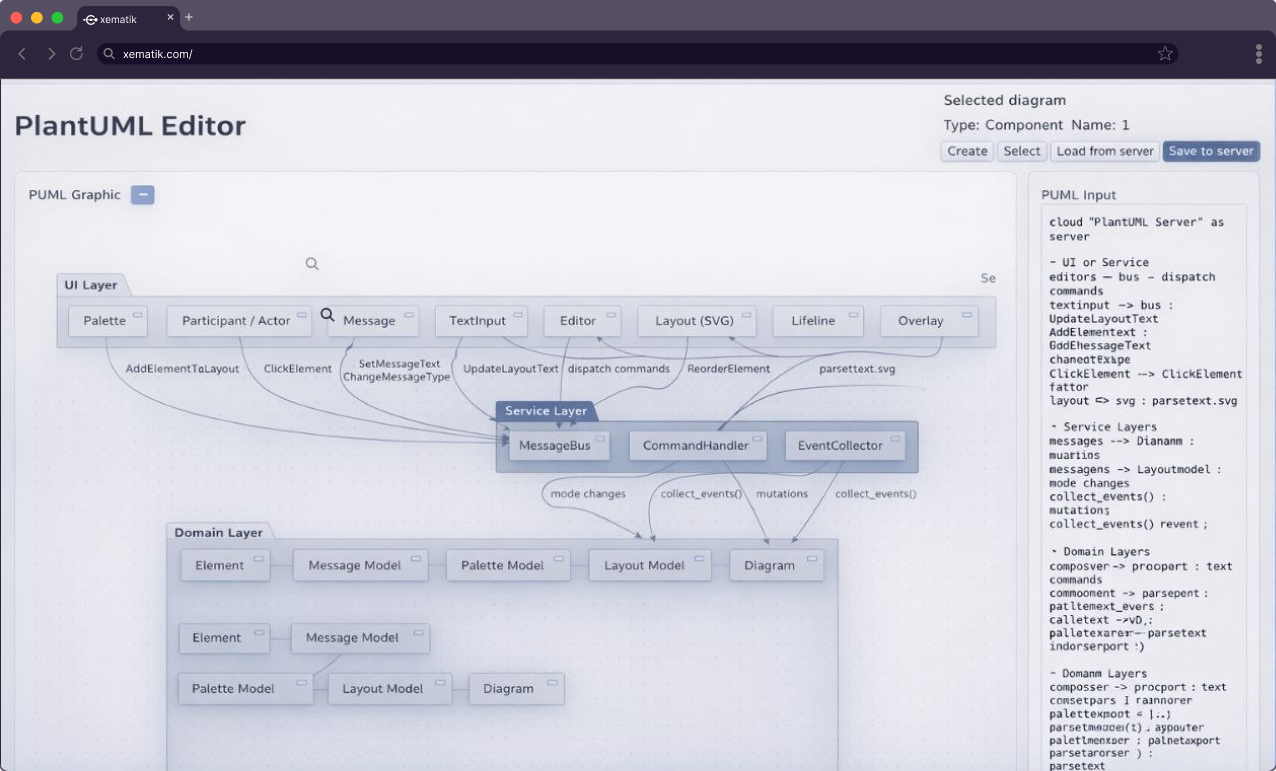


Built for Anyone Who Thinks in Diagrams
Own Your Architecture
Microservices, event flows

System Design
Sequence & State diagrams

Infrastructure
Kubernetes, Cloud, DBs

Fast. Visual.
Agent-Powered.
Stop wrestling with syntax. Let AI build the structure, while you refine the vision.
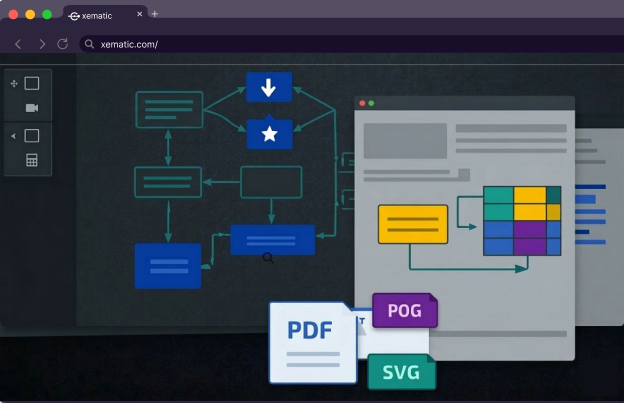
Create diagrams with AI-powered coding assistants, polish them visually in Xematik, and sync back to your agent via MCP.
- Zero-friction PlantUML: Edit visually, update code automatically.
- Instant Iteration: From a prompt to a structured schema in seconds.
- Native MCP Bridge: Works seamlessly with AI-powered coding tools like Claude, Cursor etc.
 xematik
xematik
xematik
Plans and pricing
Start free. Move up when your diagrams outgrow it.
Free
$0
- Up to 5 diagrams
- 5000 characters each
- Core editor
- Base64 sharing (link exposes diagram text)
Quinta
$5 per month
- Unlimited diagrams*
- Any length
- Full editor
- MCP access for AI assistants
Sonata
$48 per year
- Everything in Quinta
- Billed yearly. Save 20% compared to paying monthly.
* Paid plans store up to 10 MB of diagrams in total. Need more space? Contact us.
Frequently asked questions
Haven’t found what you’re looking for? Contact us.
Xematik is a visual diagram editor. It lets you design architecture, workflows, and systems visually using PlantUML and Mermaid, so your diagrams stay in sync with your work.
Anyone who works with diagrams: developers, architects, analysts, designers, and team leads. Xematik gives you a faster, visual way to create and maintain structured diagrams.
No. You can design diagrams visually using your mouse, and Xematik handles the markup for you. If you already know PlantUML or Mermaid, you can also edit the text directly. Both modes stay in sync.
Yes. Xematik is free to get started, whether you're working solo or part of a team. Sign up today and start designing diagrams right away.
